Online Support

Apple computer repair
Repair
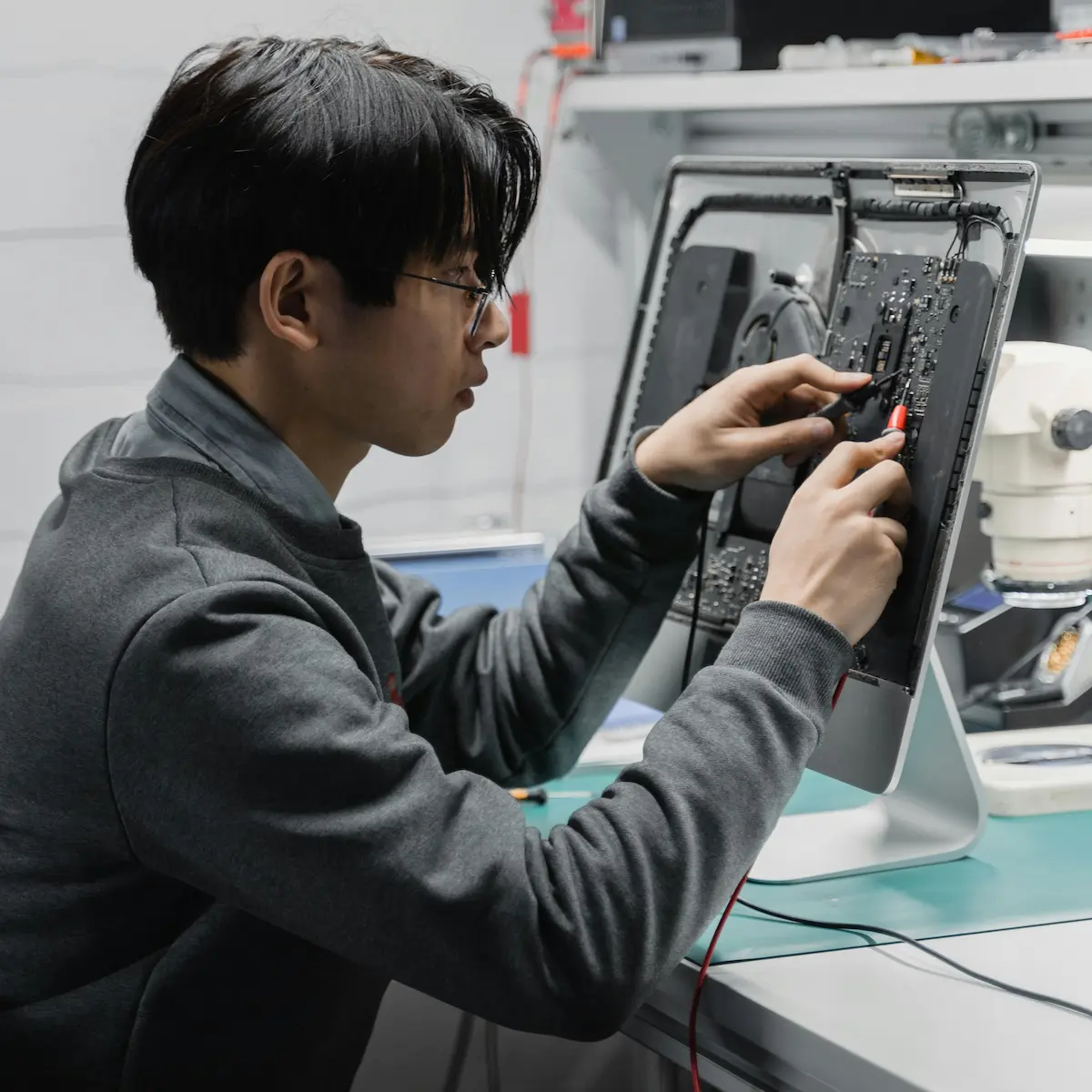
At Printec, we also offer specialized repair services for Apple computers. From MacBook to iMac, our highly trained team is ready to tackle any issues that may arise, ensuring your Apple devices work optimally and reliably.

Trust us!
Experts
We've been repairing computers for over 30 years.
Good service
Leave the computer, and we'll call you when it's ready.
Wide range
We cover computers, printers, electronic devices, and more.
Extended hours
We are open from 9am to 1:30pm and from 3:30pm to 7pm.
Why does repairing a Mac properly matter?
Apple computers are built very compactly. On many models the memory and storage are soldered to the board, and since Apple Silicon chips arrived in 2020 almost everything is integrated into a single part. That makes them fast and efficient, but it also means a poor repair can damage components that can't be replaced individually.
That is why a Mac needs a proper diagnosis before it is opened and, above all, the data must be protected. Often the fault can be fixed without replacing the board: a swollen battery, a failing keyboard, a cracked screen or a system that won't start.
There are many Mac users around Empuriabrava and the Costa Brava, both residents and people who spend part of the year here, and it isn't always easy to find someone nearby to repair them. We see you at our workshop, so you don't have to send your computer far away or wait for weeks.
An example you probably know
Between 2015 and 2019, Apple used the so-called «butterfly» keyboard on many MacBooks. It was very thin, but a speck of dust was enough to make a key stop working or type twice. There were so many complaints that Apple set up a special repair programme and eventually went back to the previous design. It is a good example of how a small fault on a Mac can have a specific, well-known cause.
What we repair
- MacBook Air, MacBook Pro, iMac and Mac mini.
- Replacement of batteries, keyboards, screens and drives.
- Computers that won't switch on, overheat or restart by themselves.
- Reinstalling macOS and data recovery.
Frequently asked questions
Is my Mac worth repairing?
After the diagnosis we tell you what is wrong and what the repair costs, so you can decide whether it's worth it before we do anything.
How do I protect my data?
We recommend keeping Time Machine backups on an external drive. If you don't have one, we try to recover your files before the repair.